
Best AI Video Tools for Faceless YouTube & Small Business (2026)
Disclosure: We earn commissions for purchases made through links in this article, at no extra cost to you. Learn more
AI video tools can now write a script, add a voiceover, generate visuals, put a talking avatar on screen and make the thumbnail. That’s a big deal if you want to run a faceless YouTube channel, post short videos for a side hustle, or make simple video ads for a small business.
The catch: most tools charge monthly, and the costs add up. Below we compare four popular options, including one that sells lifetime access instead of a subscription, so you can pick the right fit for your budget and goals.
How we wrote this: this comparison is based on each company’s official pricing and product pages as of October 2026. We haven’t run a long-term test of every tool, prices change often, and we don’t make income claims. Always check the current price before you buy.
Quick comparison
AI video tools at a glance
| Tool | Best for | Price (Oct 2026) | Free plan? |
|---|---|---|---|
| AI Media Machine | An all-in-one bundle for short videos, avatars, voiceovers and video ads | One-time lifetime license (promo $297, listed at $997) | No; 30-day refund |
| Canva | Easy template-based video editing and thumbnails | Free; Pro about $15–$18/month | Yes |
| InVideo AI | Turning a prompt or script into a full video | From $20/month ($10/month billed yearly) | No free plan listed |
| HeyGen | Realistic talking AI avatars and spokesperson videos | Free (3 short videos/month); Creator $29/month | Yes |
- What to look for in an AI video tool
- AI Media Machine: the lifetime-deal bundle
- Canva: easiest for beginners
- InVideo AI: prompt to finished video
- HeyGen: best AI avatars
- Subscription vs. lifetime: the real math
- Rules to follow with AI video
- Our picks
1. What to look for in an AI video tool
- What you’ll make most: short vertical videos, long YouTube videos, avatar explainers, or ads.
- Credits and limits: most AI tools run on monthly credits. Check how many videos those credits really cover, and whether unused credits roll over.
- Watermarks and export quality: free plans often add a watermark or limit resolution.
- Commercial use: make sure the plan lets you use videos for monetized channels or client work.
- Total cost per year: a “cheap” monthly plan can cost more than you expect over 12 months.
2. AI Media Machine: the lifetime-deal bundle
AI Media Machine from BlueFX bundles 20+ AI tools: an AI “cinematographer” for video scenes, script-to-video, talking avatars (200+), an AI voiceover studio with voice cloning, a music maker, a thumbnail maker, a content repurposer, an ebook writer and a logo generator. It also includes a winning-ads finder and video analyzer that break down why popular ads work.
Pricing: instead of a subscription, it sells a lifetime license. The sales page lists it at $997 with a time-limited promotional price of $297, paid once. It includes 600 credits a month, which the company says is enough for about 100 short videos, and a 30-day money-back guarantee.
Good fit if: you’ll make videos every week, want many tools in one place, and would rather pay once than juggle several subscriptions.
Things to weigh:
- The sales page uses a countdown timer. Don’t let urgency rush you; use the 30-day refund window to test it properly.
- “Lifetime” means the life of the product. It depends on the company continuing to run and update it.
- Monthly credits still cap how much you can make.
- Only clone voices you own or have written permission to use, and use the ad analyzer to learn structure, not to copy someone else’s video, script or brand.
Read our full AI Media Machine review for every feature and more detail.
See the AI Media Machine lifetime deal
3. Canva: easiest for beginners
Canva is a design tool many creators already use for thumbnails and social posts, and its video editor handles simple edits, captions, music and templates for Reels, Shorts and TikToks. The free plan is generous; Pro adds premium templates, brand kits, background removal and more AI features.
Good fit if: you want simple, polished videos and graphics from templates, and you’re comfortable editing yourself.
4. InVideo AI: prompt to finished video
InVideo AI turns a text prompt or script into a complete video with stock footage, voiceover and captions, which you can then edit with text commands. Plans start at $20 a month, or $10 a month billed yearly, and unused credits don’t roll over.
Good fit if: you make lots of explainer or faceless videos and want the fastest path from idea to draft.
5. HeyGen: best AI avatars
HeyGen specializes in realistic talking avatars, including custom avatars of yourself, plus translation and lip-sync. The free plan allows 3 videos a month up to 1 minute; the Creator plan is $29 a month ($24 billed yearly).
Good fit if: you need a presenter on screen, such as for course lessons, product explainers or multilingual videos.
6. Subscription vs. lifetime: the real math
| Option | Cost after 1 year | Cost after 2 years |
|---|---|---|
| HeyGen Creator (yearly billing) | about $288 | about $576 |
| InVideo AI Starter (yearly billing) | $120 | $240 |
| Canva Pro | about $180–$216 | about $360–$432 |
| AI Media Machine lifetime (promo price) | $297 | $297 |
A lifetime deal pays off only if you keep using the tool and it keeps being supported. A monthly plan costs more over time, but you can cancel anytime. If you’re not sure you’ll stick with video, start with a free plan first.
7. Rules to follow with AI video
- YouTube: mass-produced or repetitive content can be rejected from monetization. Add real value: your research, opinions and editing. See our guide to how many YouTube views you need to make money.
- Disclose realistic AI: YouTube asks creators to label realistic altered or synthetic content.
- Affiliate and sponsored videos: say so clearly, in the video and the description, per the FTC Endorsement Guides.
- No fake testimonials: never use an AI avatar to pretend to be a real customer.
8. Our picks
- Just starting out: Canva’s free plan, then upgrade if you need Pro features.
- Need a talking presenter: HeyGen.
- Fast faceless explainers: InVideo AI.
- Heavy weekly use, want one bundle and no subscription: AI Media Machine’s lifetime license, tested within the 30-day refund window.
Check AI Media Machine (official site)
Free checklist + weekly insights
Get the free Side Hustle Starter Checklist
Pick the right side hustle for your time, skills and budget, then take your first real steps this week. Join for the checklist plus one honest, no-hype insight a week.
Prefer not to sign up? Download the checklist directly (PDF). By subscribing you agree to our Privacy Policy. Unsubscribe anytime.
Related reading
- AI Media Machine review
- How to start a faceless YouTube channel
- How many YouTube views do you need to make money?
- Best AI tools for bloggers
Sources
- HeyGen: Pricing
- InVideo AI: Pricing
- Canva: Pricing
- YouTube Help: Channel monetization policies
- FTC: Endorsement Guides, what people are asking
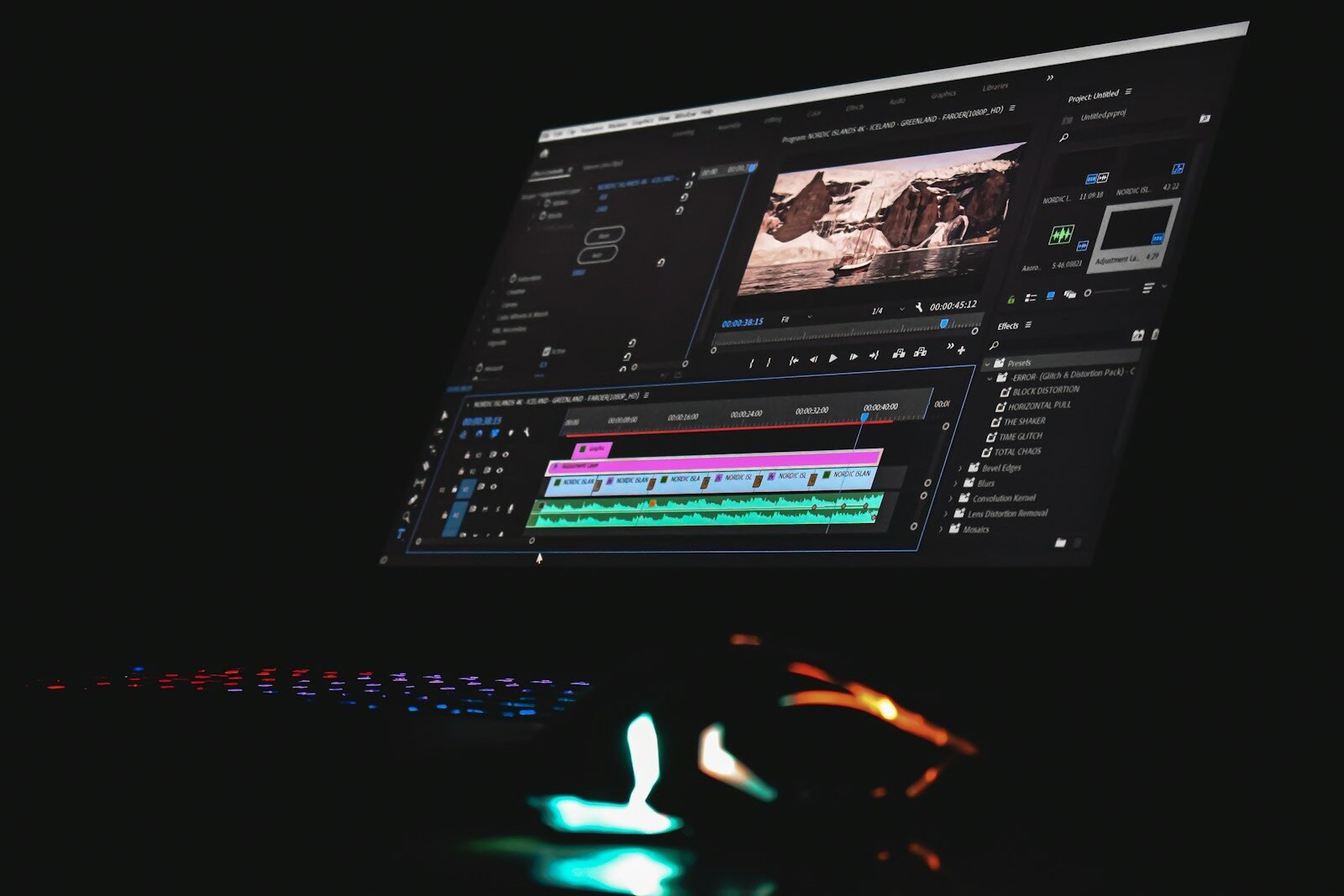
ClickBank is the retailer of AI Media Machine. Prices were checked in October 2026 and change often. Brand names belong to their owners; we’re not affiliated with HeyGen or InVideo. The photo is illustrative. Results from any tool depend on your skills, effort and market, and earnings are never guaranteed.