
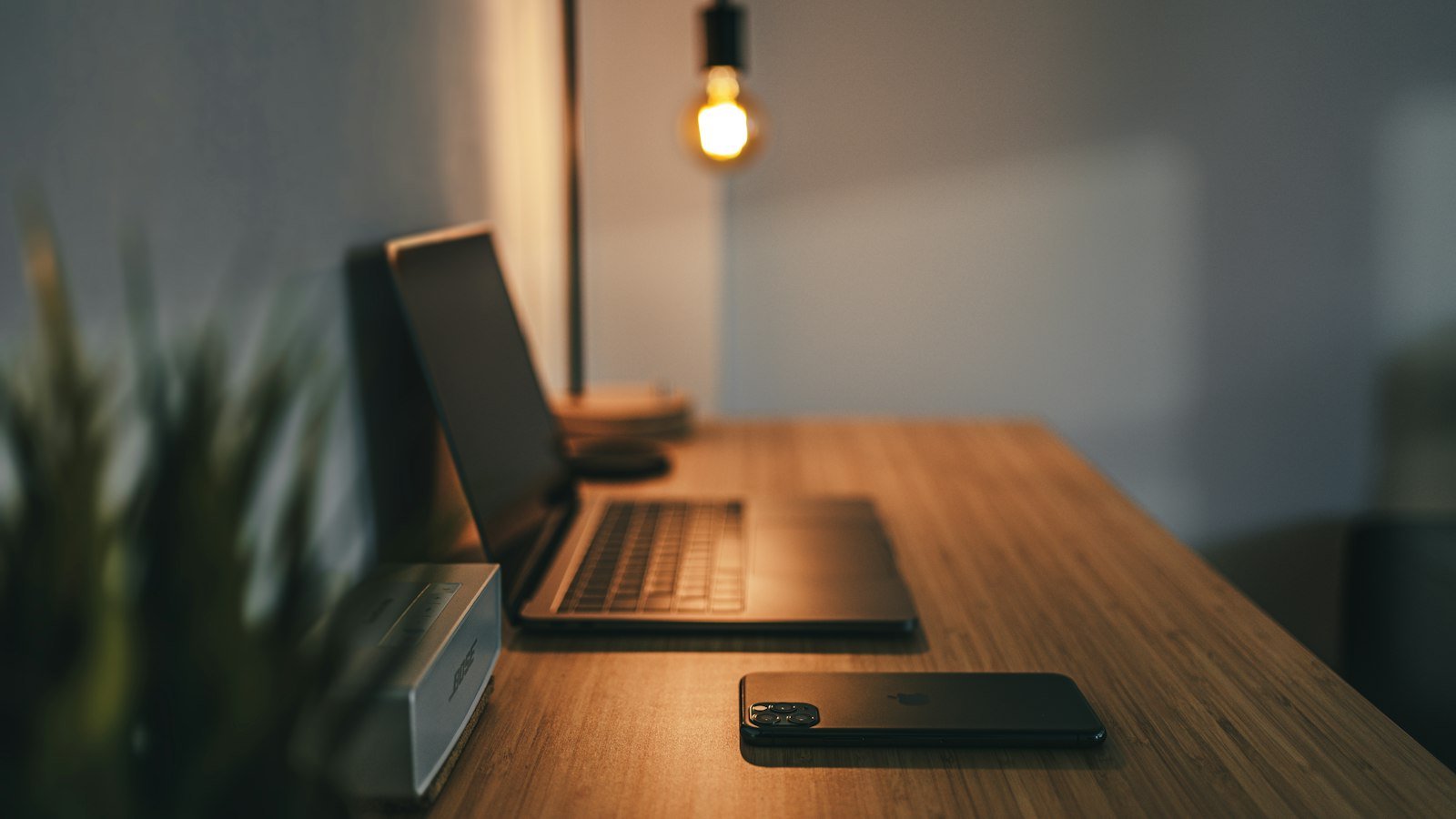
12 Desk Accessories That Make Working From Home Better
Disclosure: As an Amazon Associate we earn from qualifying purchases made through links in this article, at no extra cost to you. Learn more
Once you’ve sorted the big stuff (chair, desk and monitor, covered in our budget home office setup guide), it’s the small accessories that make your workspace genuinely pleasant to sit at all day. None of these cost much, and each solves a specific everyday annoyance.
- Laptop stand
- Monitor light bar
- Cable management kit
- Large desk mat
- Noise-cancelling headphones
- LED desk lamp
- Desk organizer
- Under-desk footrest
- Keyboard wrist rest
- Monitor arm
- Phone tripod or stand
- Undated planner
For comfort and posture
1. Laptop stand
Raising your laptop so the top of the screen is near eye level stops you hunching forward. Pair it with an external keyboard and mouse. Look for adjustable height and a sturdy, non-wobbly base.
2. Under-desk footrest
If your feet don’t rest flat on the floor when your chair is at the right height for typing, a footrest closes the gap and takes pressure off the backs of your thighs.
3. Keyboard wrist rest
A soft rest helps keep your wrists in a neutral position between typing bursts. Rest your palms on it while you pause, not while you type.
4. Monitor arm
A clamp-on arm lets you set your screen at the exact height and distance you need and frees up desk space underneath. Check the arm’s weight rating and VESA compatibility with your monitor.
For light and focus
5. Monitor light bar
A light bar sits on top of your monitor and lights your desk without shining into your eyes or reflecting off the screen. It’s great for evening work and small desks.
See monitor light bars on Amazon
6. LED desk lamp
If you prefer a classic lamp, choose one with adjustable brightness and color temperature: cooler light for focus, warmer light in the evening.
7. Noise-cancelling headphones
Shared homes are noisy. Active noise cancelling blocks steady background sound like fans, traffic and appliances so you can concentrate. Over-ear models tend to be comfiest for long sessions.
See noise-cancelling headphones on Amazon
For a tidy, organized desk
8. Cable management kit
Clips, sleeves and an under-desk tray turn a tangle of chargers into a clean setup in about 20 minutes. It’s one of the cheapest upgrades with the biggest visual payoff.
See cable management kits on Amazon
9. Large desk mat
A full-width mat protects your desk, gives your mouse a consistent surface and makes the whole setup look more intentional.
10. Desk organizer
Give pens, sticky notes and chargers a home so your work surface stays clear. Clear desk, clearer head.
For calls and planning
11. Phone tripod or stand
Useful for hands-free calls, recording short videos for a side hustle, or keeping two-factor codes visible while you work.
12. Undated planner
Even if you live in apps, writing tomorrow’s top three tasks on paper at the end of each day is a simple habit that keeps you focused. Undated planners don’t go to waste if you skip a week.
See undated planners on Amazon
Where to start: if you’re on a tight budget, buy in this order: laptop stand → cable kit → lighting. Those three change how your desk feels the most for the least money.
Want the full priority list, including chairs and monitors? Read The Budget Home Office Setup: What to Buy First, then check your posture with our ergonomic home office checklist.
Free checklist + weekly insights
Get the free Side Hustle Starter Checklist
Pick the right side hustle for your time, skills and budget, then take your first real steps this week. Join for the checklist plus one honest, no-hype insight a week.
Prefer not to sign up? Download the checklist directly (PDF). By subscribing you agree to our Privacy Policy. Unsubscribe anytime.
Disclosure: As an Amazon Associate, InsightHive earns from qualifying purchases. We may also earn commissions from other links on this page, at no extra cost to you. Prices and availability change; check the retailer for current details.